
-
Word Flow Keyboard
an app for iOS
Experiment complete
Thanks for the feedback!
an app for iOS enabling a blazing fast keyboard that comes with search and arc mode.


Description
The Word Flow experiment is now complete! We encourage you to download the SwiftKey Keyboard from the App Store. The SwiftKey product team is frequently building and evaluating new features for SwiftKey and shipping updates. We encourage feedback at https://support.swiftkey.com.
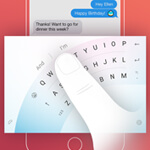
Word Flow, a Microsoft Garage project, is an iOS app with a blazing fast keyboard that comes with search (GIFs, restaurants, and more), free customization options and includes Arc mode for comfortable one-handed typing.
Blazing Fast
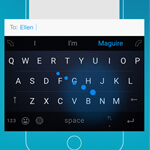
- Whether you’re tapping or swiping, Word Flow predicts what you’re trying to type and corrects mistakes. It even predicts things from the web, like GIFs, restaurants, and more.
- Word Flow intelligently suggests the next word in your sentence, and gets better at it over time, as it learns your typing patterns.
- With access to your Contacts, Word Flow predicts the names of your contacts so you can go even faster.
Personalized – just how you like it
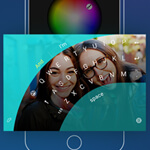
- You can customize the keyboard background using one of the images included in the app, or use your own favorite image.
- All the images included with the app are free.
Best for one-handed typing
- Switch to Arc mode and easily reach keys on larger screens for a more comfortable one-handed typing experience.
Search built into the keyboard
- Find and share GIFs, images, and emojis to better express yourself.
- Find Contacts – when you need to share that person’s phone number.
- Look up restaurants, news, videos, facts, weather forecasts, and much more.
When you find something you want to send, just tap it, and that result will automatically stay in your history to make it even easier to find it again. If a result becomes outdated or irrelevant, you can always remove or refresh it. Word Flow on iOS is optimized for iPhone, and supports English language only. Not all features are available on iPad.
Meet the team
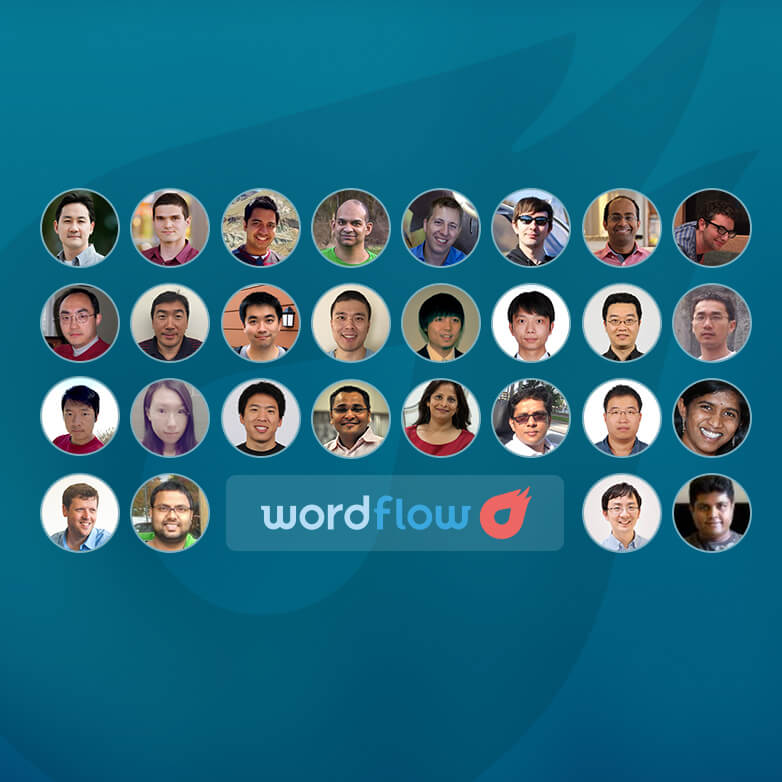
Microsoft Research: Asela Gunawardana, Cole Benson, Dmitry Rudchenko, Parthasarathy Sundararajan, Puyang Xu, Tim Paek (Manager), Vincent Etter, Vishwas Kulkarni, Zach Oligschlaeger, Bing: Alisher Saydalikhodjayev, Ansuman Kar, Chauncey Chen, Donald Wang, Gemini Wang, Jason Li, Jeff Yin, Jingfeng Li, Junyan Lin, Kun Nie, Lightning Huang, Meenaz Merchant, Nevin Yang, Preeti Vipin, Ramkrishna Khoso, Richard Qian (CVP), Sining Wei, Shailendra Gupta, Shruti Malugu, Vaibhav Parik, Weiyu Fan, Yingying He, Yilong Tan, Zeyan Huang, Ph.D. Intern: Renato Manuel Pereira Negrinho, High School Interns: Jin Popolow, Olga Andreeva, Sravan Konda
Microsoft Research, Bing


