 Discover Windows
Discover Windows
Discover Windows
April 04, 2025 | Updated: May 20, 2026
Share this page


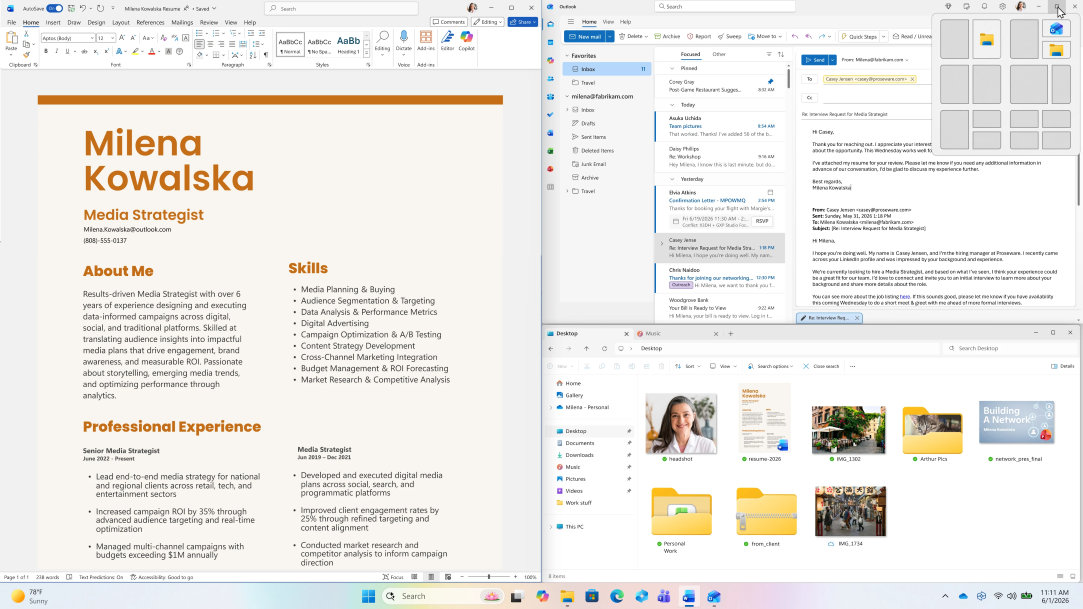
Let's face it, multitasking is a daily reality for most of us. At any given moment, you may have your email open, be editing your resume, and searching for headshots. Keeping track of all the open apps on your desktop can be challenging but Windows 11. Snap layouts are here to help you get organized.
What are Snap layouts?
Windows 11 Snap layouts allow you to easily organize and manage multiple windows on your desktop. Instead of manually resizing windows or endlessly minimizing and maximizing them, you can use snap layouts to automatically arrange your open apps into neat, predefined patterns. It’s a simple yet powerful way to stay organized when you need to multitask.
3 ways to use Snap layouts
Using Windows 11 Snap layouts is simple and straightforward:
Find your apps where you left them
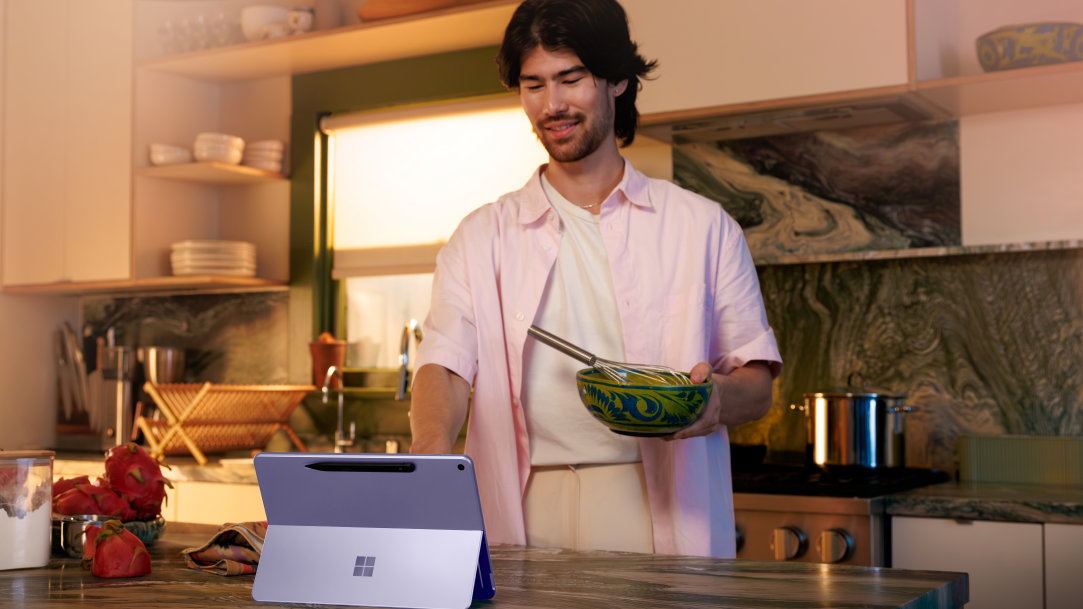
One of the most convenient features of Snap layouts is how it remembers your window arrangements when you reconnect to an external display.2 Plug back into your monitor and your apps will automatically return to their original positions, saving you time and frustration. Whether you’re moving between offices or need extra screen space, you can pick up right where you left off.
Create custom desktops with Task View
Want to take your organization even further? With Task View, you can create separate desktops for different projects (one for work, another for personal tasks, and a third for creative projects). Press the Windows logo key + Tab to open Task View and select “New desktop” to get started. Once you’ve set up your desktops, use Snap layouts on each one to arrange your apps. That way, every desktop has its own organized layout ready to go when you switch between them.
Bring order to your desktop
If you often juggle several windows at once, Snap layouts will change the way you organize your screen. It gives you a simple way to keep everything neatly aligned, and within easy reach. So, next time you’re tackling a busy day, let Snap layouts in Windows 11 help you get more done with less effort.